> For the complete documentation index, see [llms.txt](https://support.pushpos.com/llms.txt). Markdown versions of documentation pages are available by appending `.md` to page URLs; this page is available as [Markdown](https://support.pushpos.com/how-to-guides/how-to-edit-time-tracking-hours.md).
# How to Edit Time Tracking Hours
Follow this guide to update or edit time tracking hours.
### Steps:
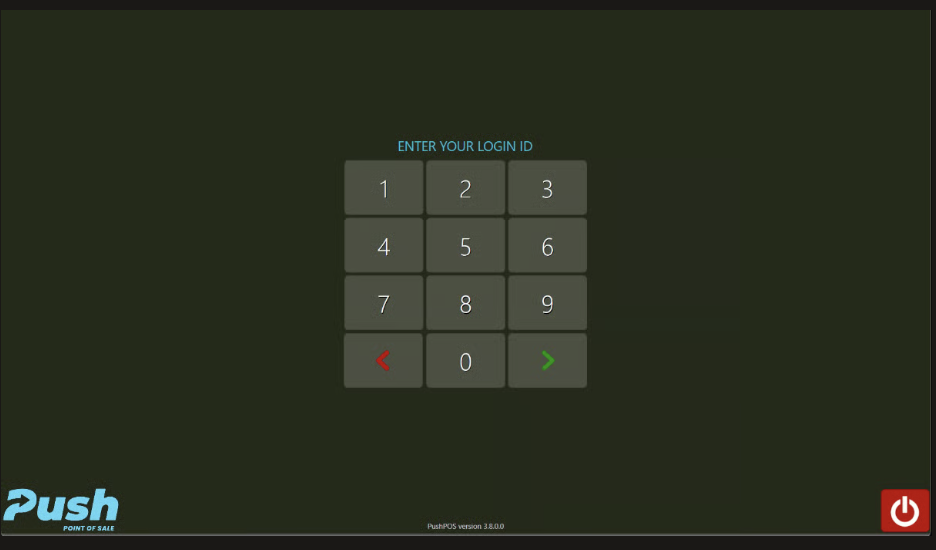
1. Login to PushPos
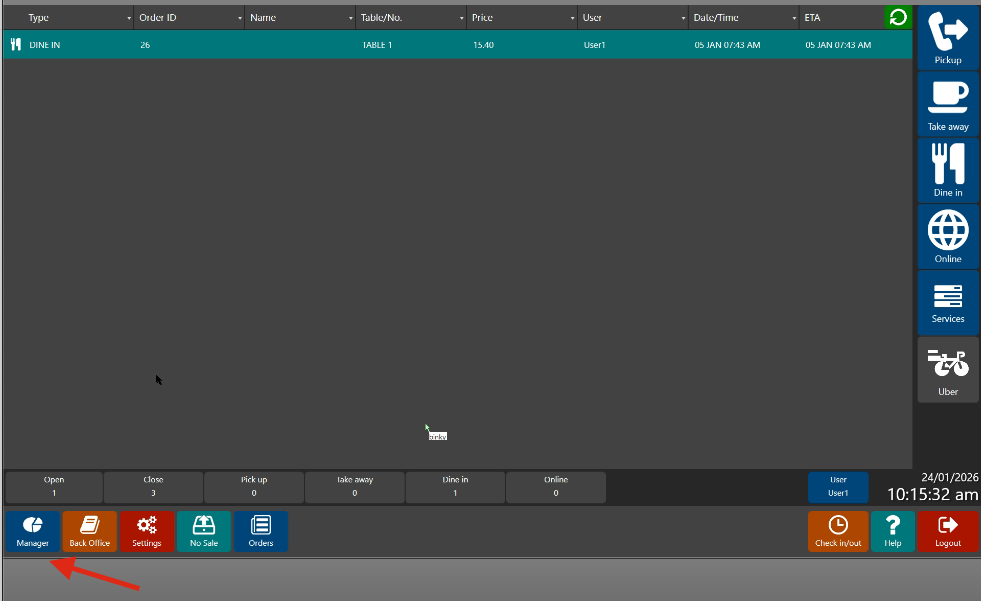
2. Click **Manager**
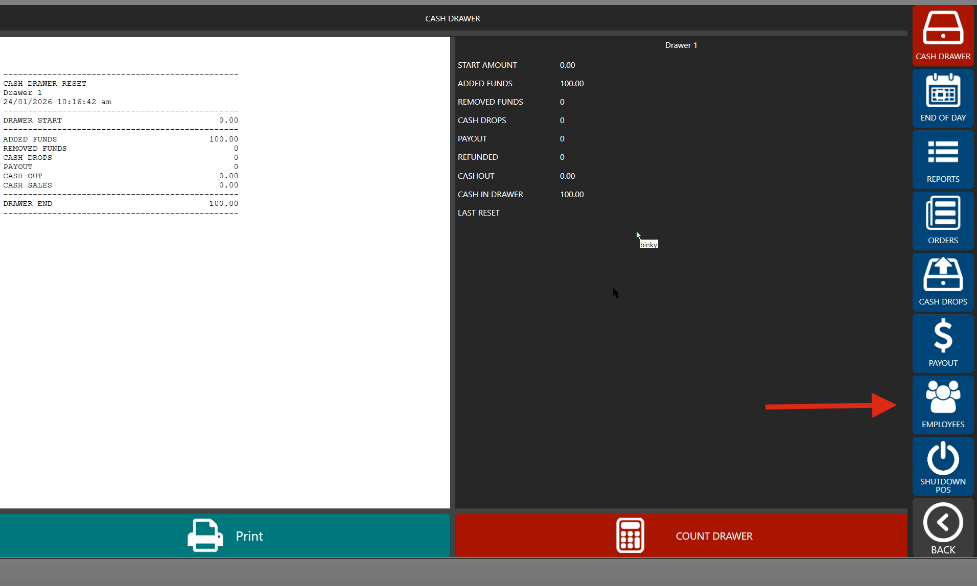
3. Go to **Employees**
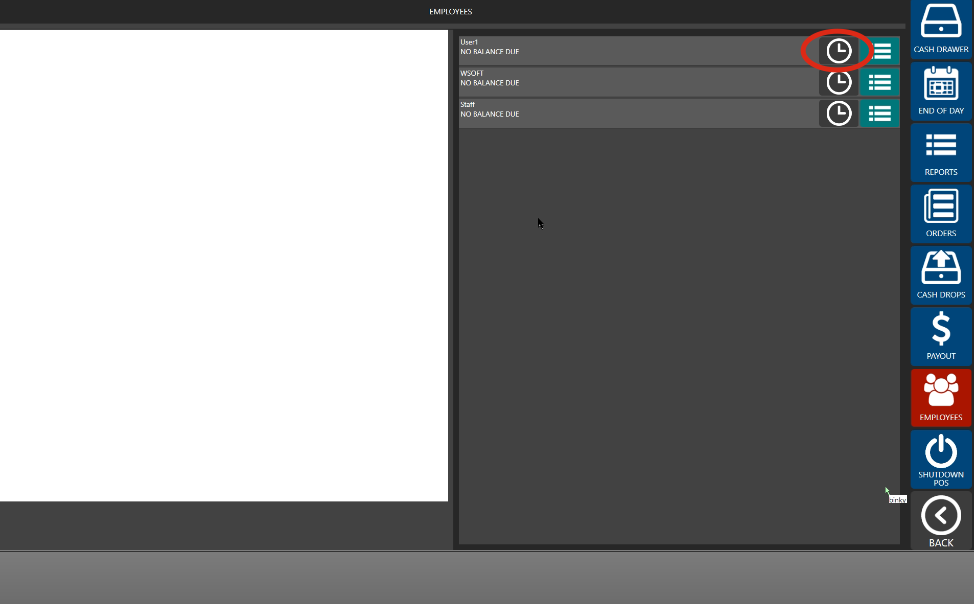
4. Choose the **User Name** or **Employee Name**
5. Review the T**ime Tracking Hours**
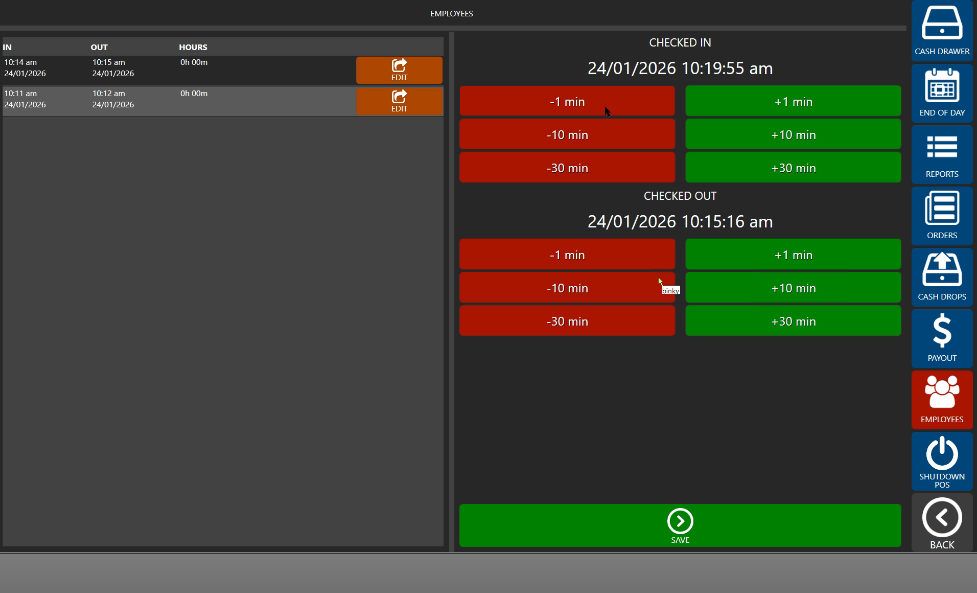
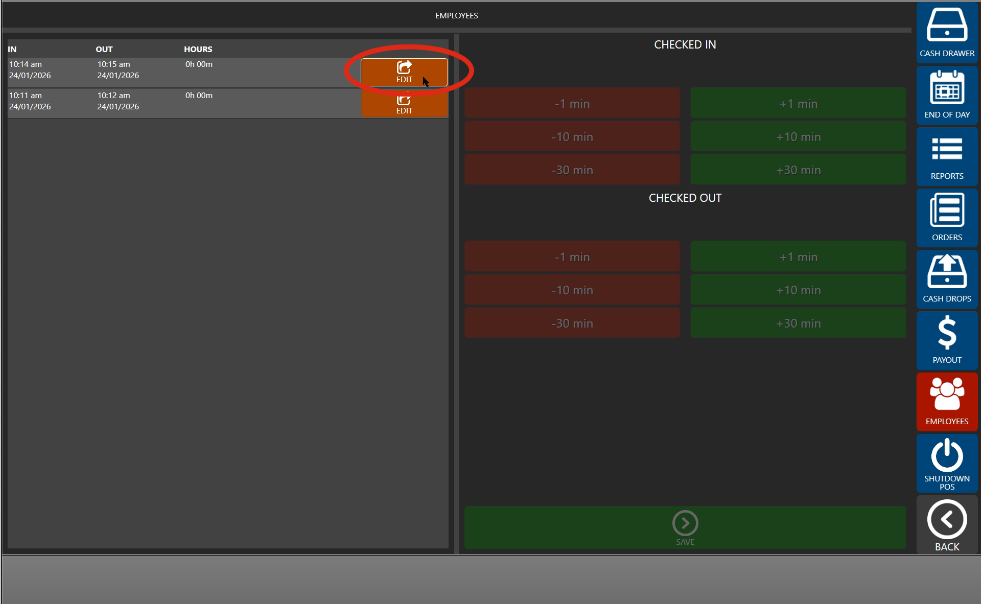
6. Click **Edit** to update and **Save** once finished
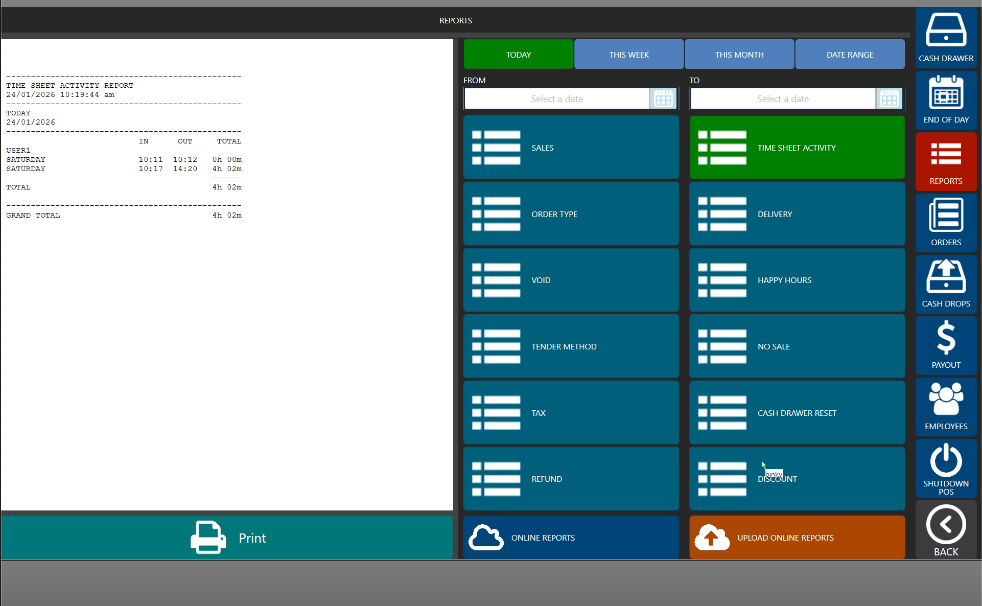
7. Go to **Reports** > **Time Sheet Activity** to review the changes made
\
\
**Note:** This must be done **BEFORE** running **End of Day** process